
01 / CAPTURE
A good photo. Without the fuss.
Find the paper’s edges, straighten the picture, and keep the detail. You can import a photo, too.
 CapMemo
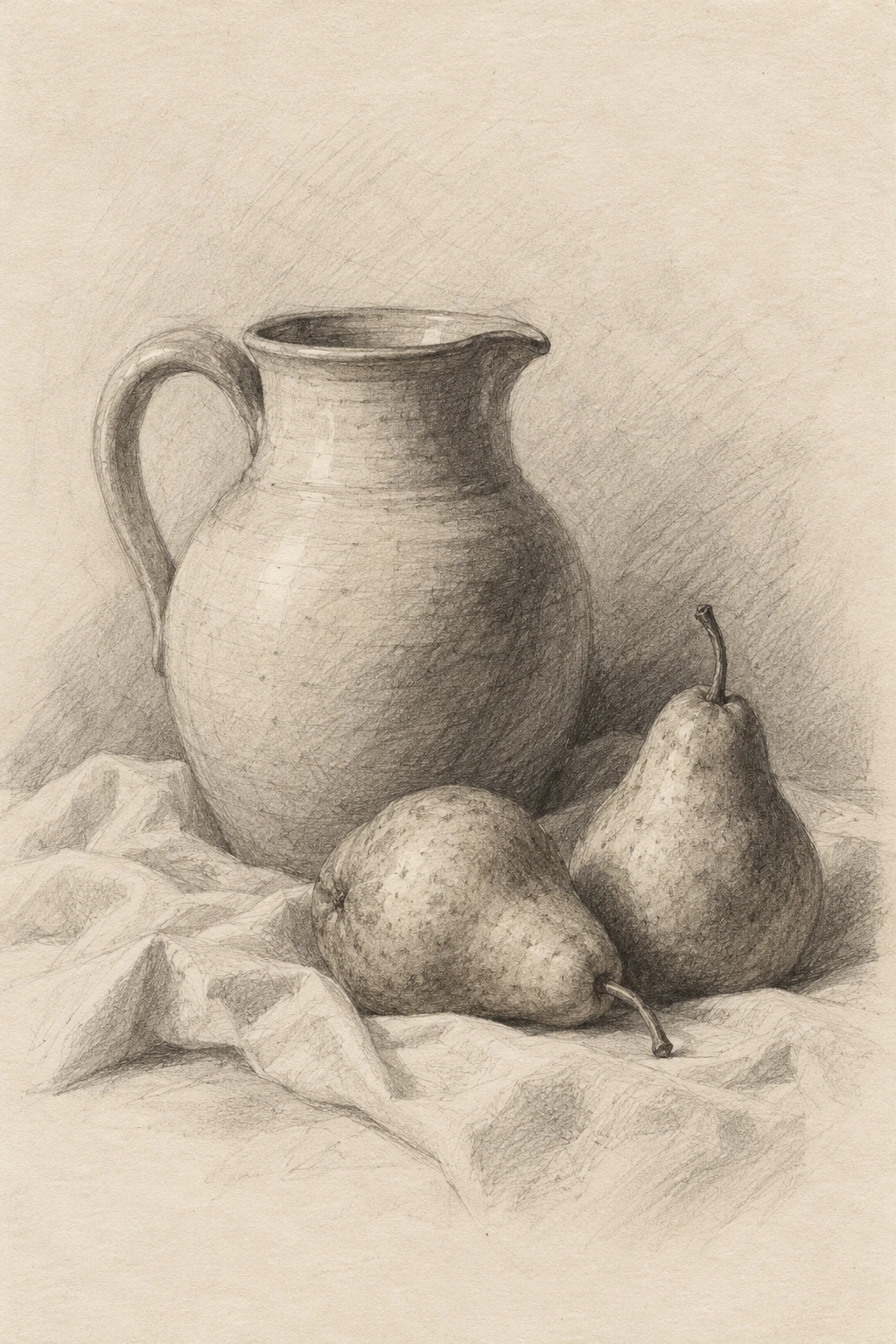
Capture a sketch on your desk.
Find the paper’s edges, straighten the picture, and keep the detail. You can import a photo, too.
A name, a date, a few words. Remember where it came from—and why it matters.
The first sketch from our little kitchen.
Give it a frame. Find it in your gallery. Save a beautiful image, or send one to someone who remembers.

Your collection stays on your iPhone. No app account. No automatic uploads. Export a backup when you choose.
Drawings, sketches, old photographs, letters, tickets, and other keepsakes you can photograph. Automatic edge detection works best with a clear, flat, rectangular subject.
Place the paper on a contrasting surface in soft, even light. Keep all four corners in view. CapMemo looks for the edges and straightens the image; crop and rotate remain available if you want to adjust it.
Yes. Open the camera and choose photos from your library. You can adjust the crop, add a frame, and save them to your collection.
No. The current app keeps the collection on your device. You can manually export a backup to Files, including iCloud Drive if you choose it. Keep a backup before changing or resetting your phone.
The local core is planned as a one-time purchase: US$5.99 in the launch month, then US$9.99. Future frame, card or layout packs, and optional cloud or AI services may be sold separately. Local App Store pricing applies.
Yes. The free version lets you keep up to five memories, including items in Trash. You can view, edit, export, and share your saved memories. A local unlock lets you keep more.
No. This version is a personal collection on one device. Shared collections, collaboration, and automatic syncing between devices are not included.
One-time purchase. Yours to keep.
Planned US pricing. Future packs and optional services may be sold separately. Local App Store pricing applies.